Tablet or Laptop? How to Choose the Most Flexible Device

Tablet or Laptop? How to Choose the Most Flexible Device
In a world where work, study, and entertainment all happen online, choosing the right device has never been more important. Tablets and laptops have both evolved dramatically in recent years, and the line between them is increasingly blurred. But which one fits your lifestyle best? Here’s a guide to help you pick the most flexible option for your everyday needs.
What Will You Use It For?
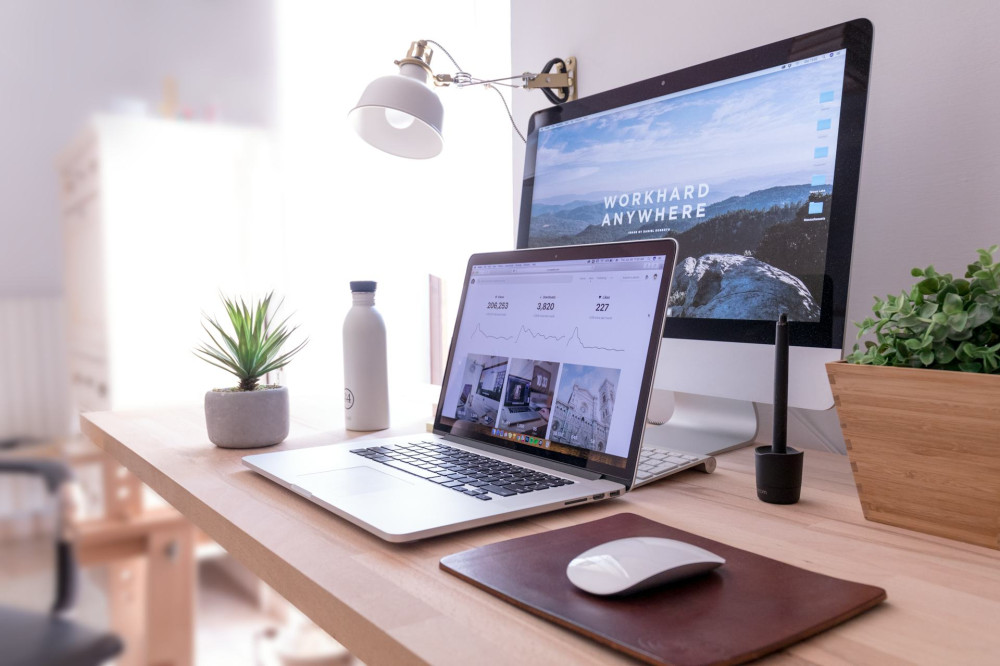
The first question to ask yourself is what you’ll primarily use the device for. A tablet can be perfect for light tasks like reading, browsing, streaming, and note-taking. A laptop, on the other hand, is better suited for heavier work such as writing reports, managing spreadsheets, coding, or editing photos and videos.
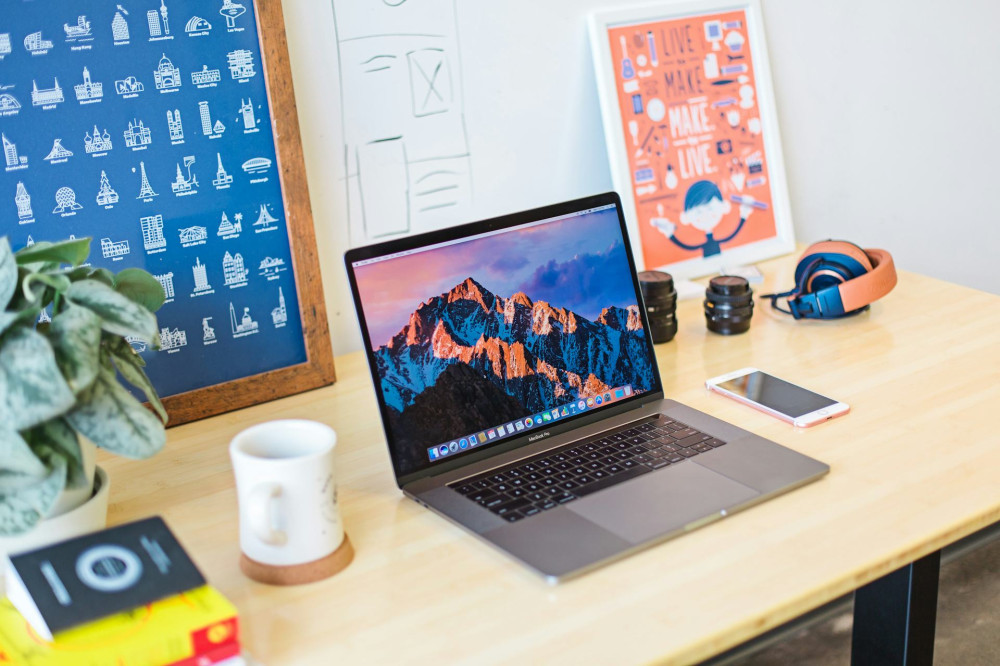
- For school or work: A laptop usually offers more power, a full keyboard, and better multitasking capabilities.
- For travel and leisure: A tablet is lighter, faster to start up, and easier to carry around.
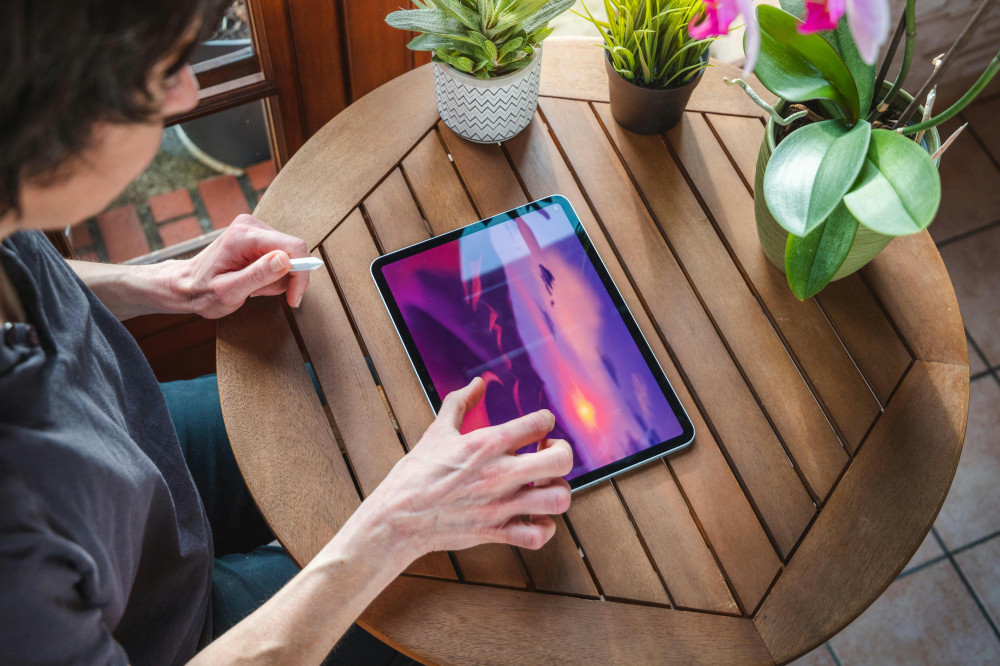
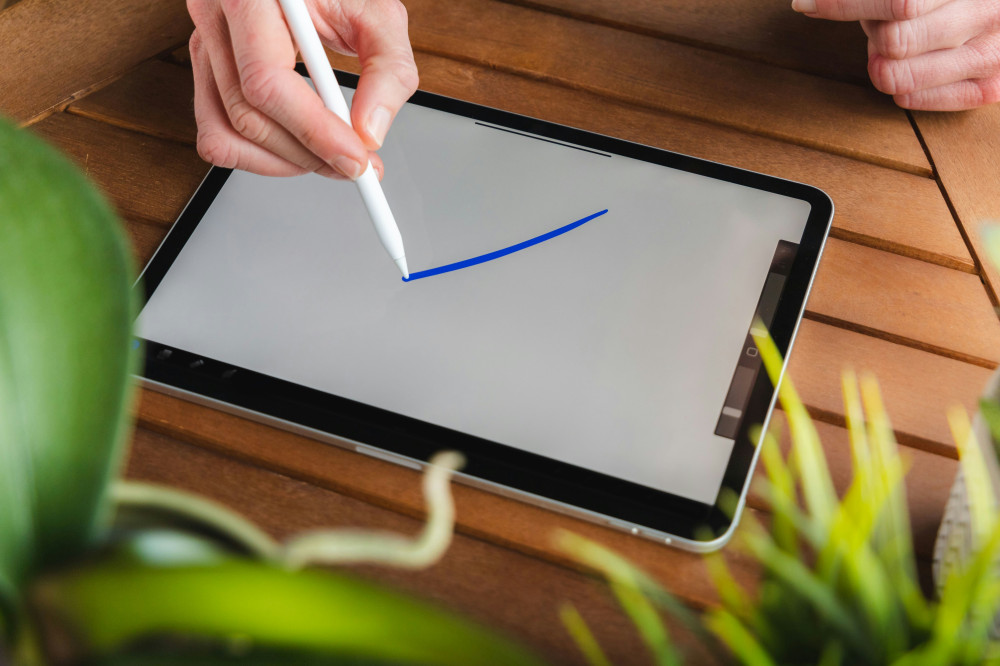
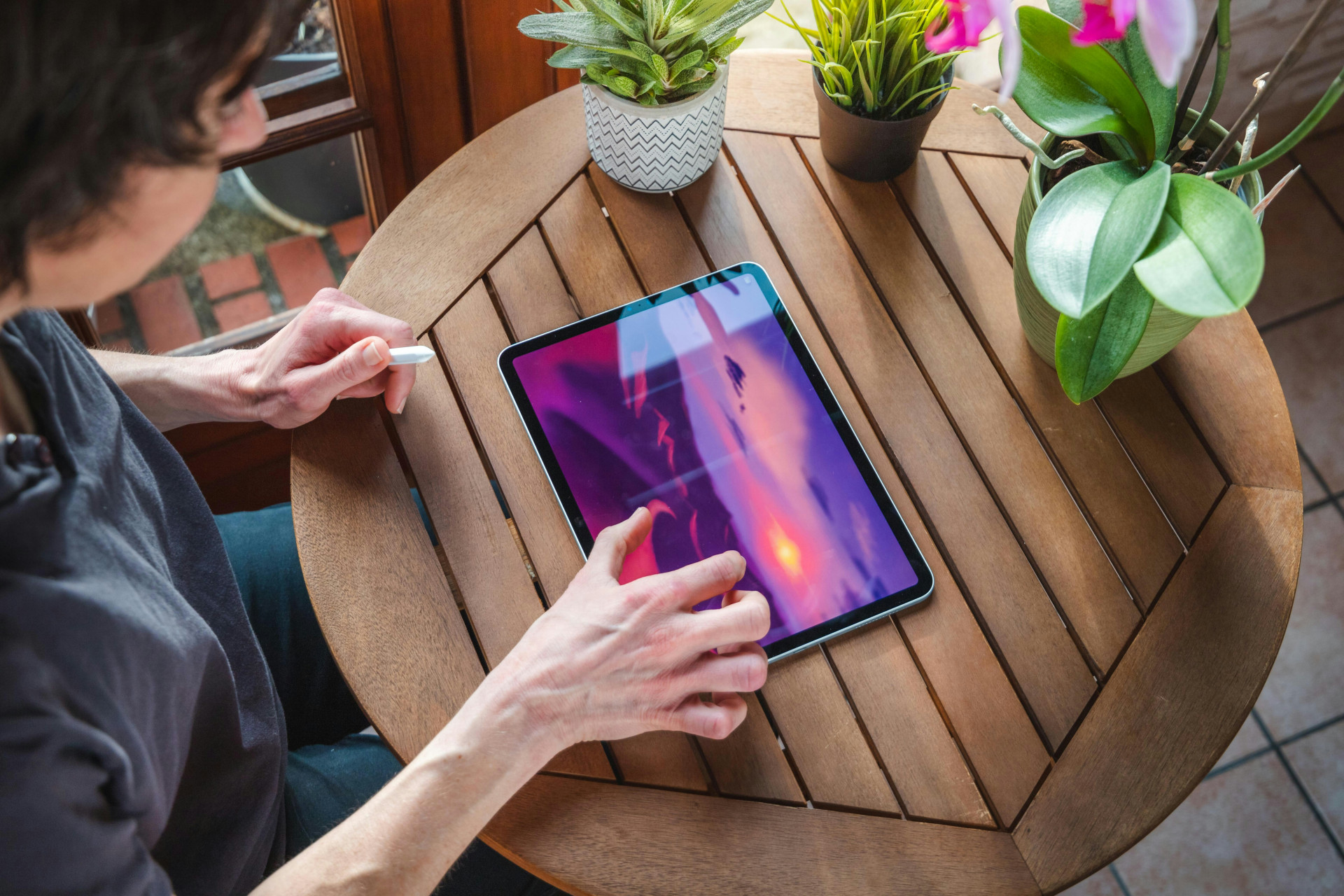
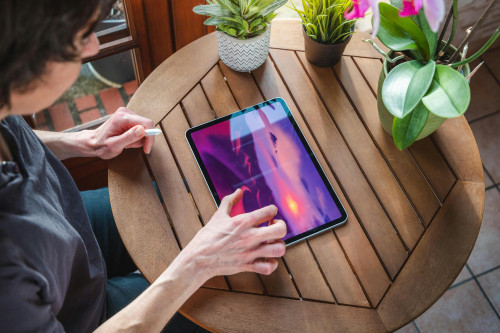
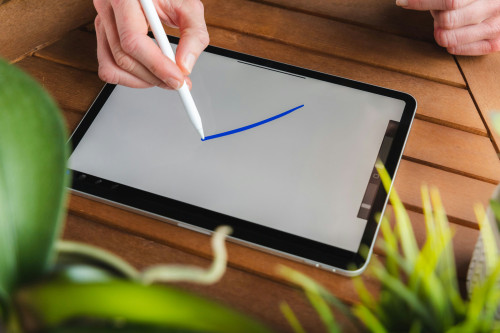
- For creative projects: Tablets with stylus support, like the iPad Pro or Samsung Galaxy Tab S9, are great for drawing, design, and digital art.
Once you know your main purpose, narrowing down your options becomes much easier.
Portability and Battery Life
If you’re often on the go, weight and battery life are key factors. Tablets generally win here—they’re lighter and can last 8–12 hours or more on a single charge. Many modern laptops, especially ultrabooks, have caught up with impressive battery performance and slim designs.
Think about where you’ll use your device most:
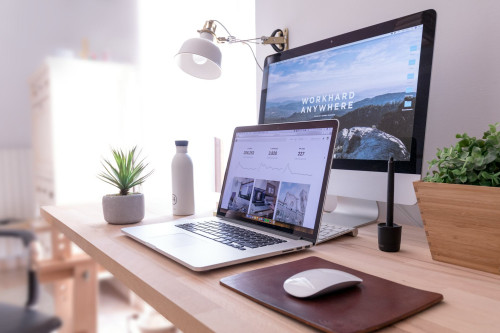
- At home or in the office: A laptop with a larger screen and more ports might be more practical.
- On the road or on the couch: A tablet is easier to handle and takes up less space.
Keyboard and Comfort
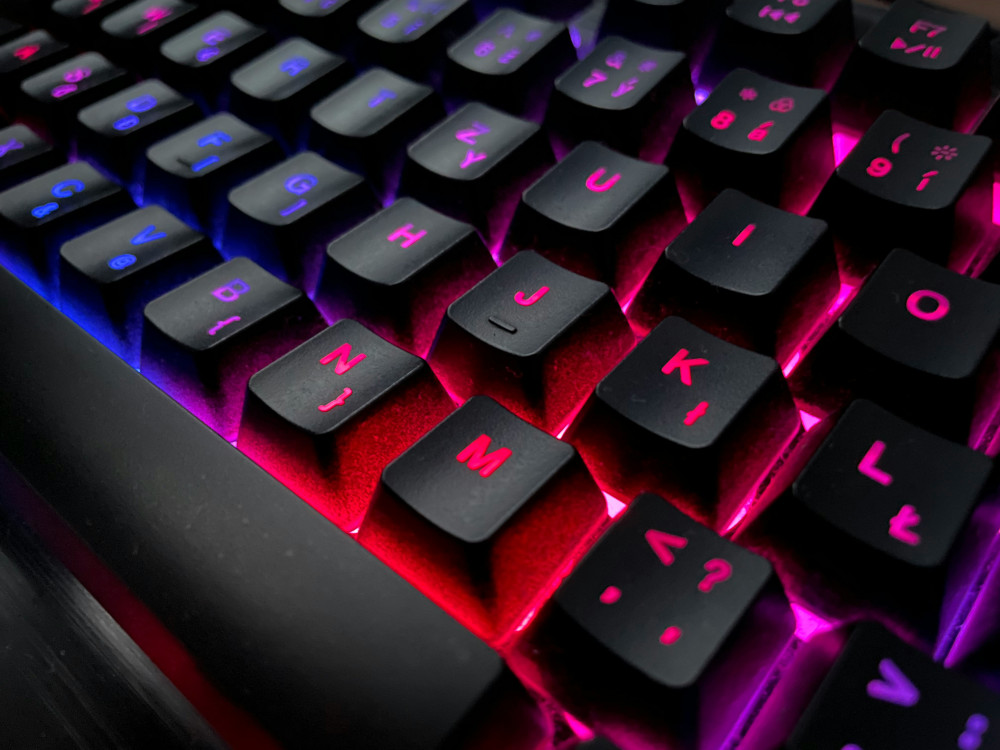
One of the biggest differences between tablets and laptops is the keyboard. While many tablets can connect to detachable keyboards, the typing experience often isn’t quite the same as on a laptop. If you type a lot, you’ll likely appreciate a physical keyboard with solid key travel and feedback.
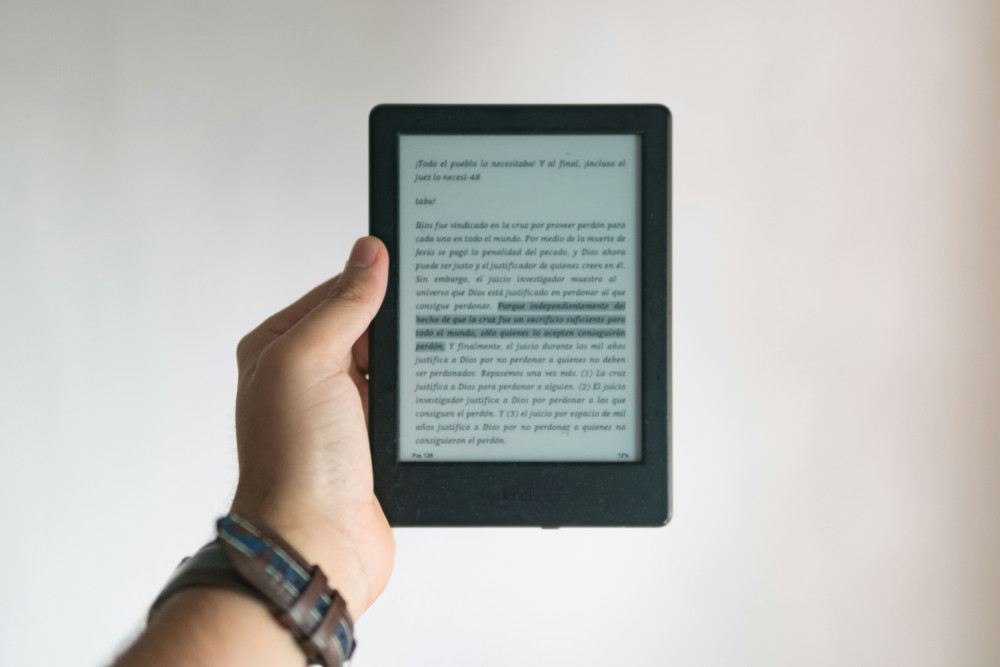
That said, tablets offer more flexibility in how you use them—you can hold them like a notebook, use them as an e-reader, or set them up for presentations. Some 2-in-1 devices combine both worlds, allowing you to detach or fold the screen completely.
Performance and Software
Laptops generally have more powerful hardware and can run full desktop versions of software like Microsoft Office, Adobe Photoshop, or development tools. Tablets are often limited to mobile apps, though these are becoming increasingly capable.
If you work with large files, video editing, or complex multitasking, a laptop is still the better choice. But if your needs are mostly streaming, email, and light productivity, a tablet can easily handle it—and often at a lower cost.
Price and Longevity
Tablets are usually cheaper upfront, but they may have a shorter lifespan, especially if they can’t be upgraded. Laptops cost more but often offer better options for expansion and repair. Consider how long you plan to use the device and whether you’ll need accessories like a keyboard, mouse, or stylus.
It’s smart to think in terms of total cost: a tablet with a keyboard and pen can quickly approach the price of a laptop—so compare the full package, not just the base price.
Læs også:

Hybrid Devices – The Best of Both Worlds
The market for 2-in-1 devices has exploded in recent years. Models like the Microsoft Surface Pro, Lenovo Yoga, and HP Spectre x360 combine the flexibility of a tablet with the power of a laptop. They can serve as both a work tool and an entertainment hub, making them an ideal middle ground for many users.
If you want one device that can do it all, a hybrid might be the answer—just keep in mind that they often cost a bit more than standard tablets.
How to Make the Right Choice
When deciding, consider these key points:
- Purpose: What will you use it for most often?
- Portability: How often will you carry it with you?
- Performance: Do you need powerful hardware or just easy access to apps?
- Budget: How much are you willing to spend—both now and over time?
- Flexibility: Should it work for both productivity and entertainment?
There’s no single right answer—only the one that fits your needs best. For some, a tablet is the perfect everyday companion; for others, a laptop is essential. And for many, the ideal solution lies somewhere in between.
Læs også: