Create and Edit Creatively: Use Your Digital Devices as Your Media Workshop
Create and Edit Creatively: Use Your Digital Devices as Your Media Workshop
Today, most of us carry a full media studio in our pockets. Smartphones, tablets, and laptops make it possible to create, edit, and share content at a level that once required expensive equipment and specialized software. Whether you want to make videos, take photos, record podcasts, or design graphics, you can go far with the digital devices you already own. Here’s how to turn them into your personal media workshop.
The Camera in Your Pocket – Your Creative Starting Point
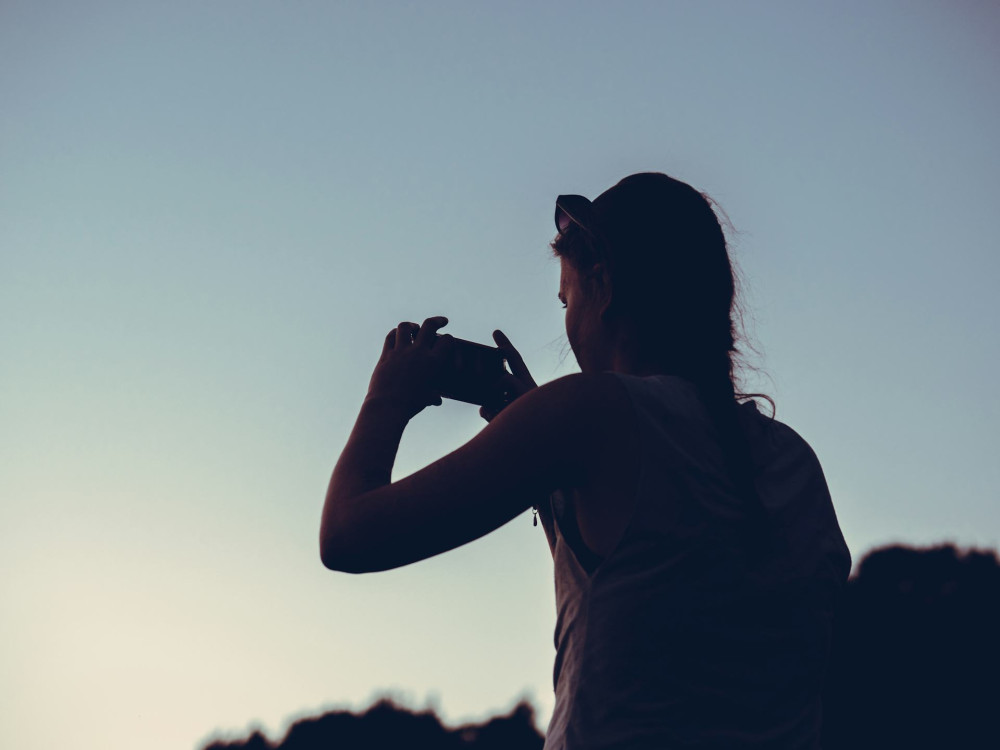
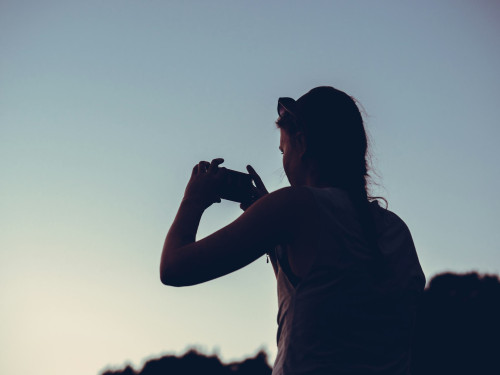
Modern smartphones come with cameras that can shoot in high resolution and deliver impressive image quality. That means you can create professional-looking photos and videos without investing in extra gear.
- Use natural light – shoot near windows or outdoors to get soft, natural colors.
- Experiment with angles – try shooting from a low position or close to your subject to add depth.
- Explore manual settings – many camera apps let you adjust focus, exposure, and white balance for more control.
If you want to take it a step further, you can add a small tripod or an external microphone—but the most important thing is to start experimenting and see what works for you.
Edit Directly on Your Device
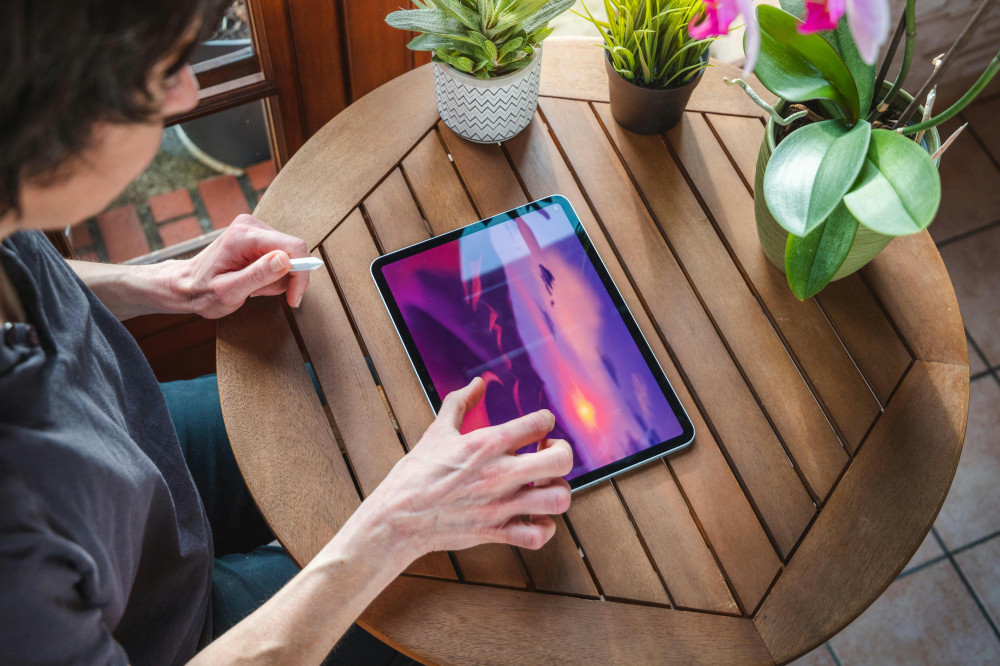
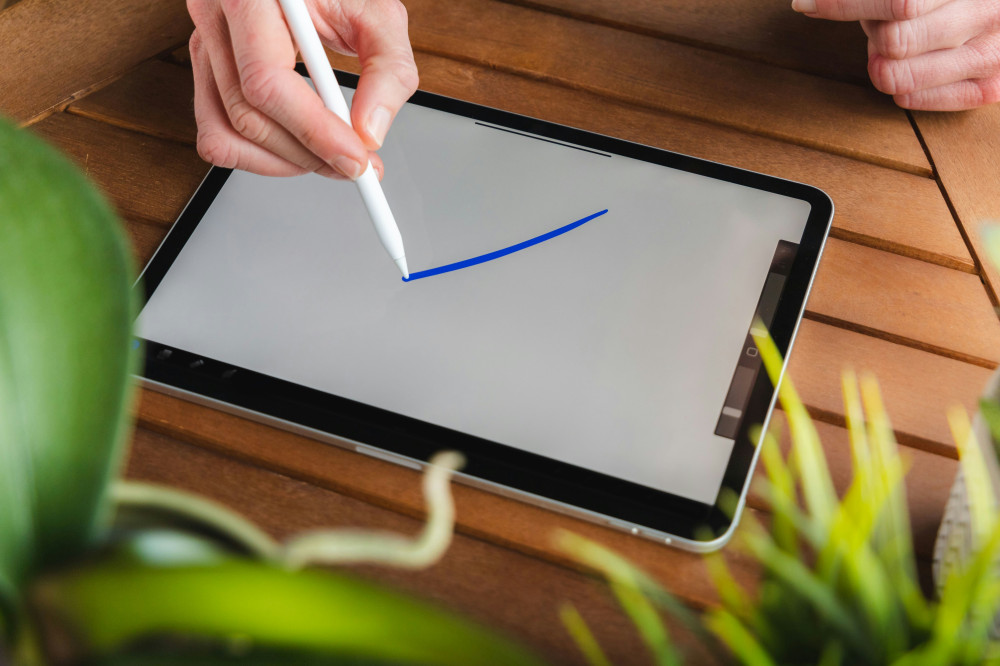
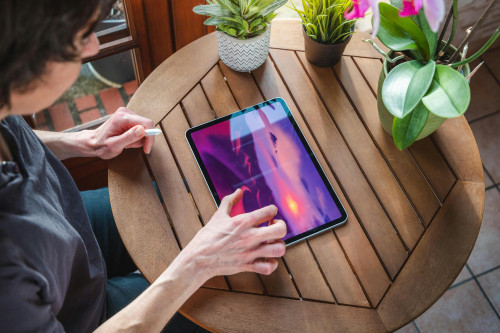
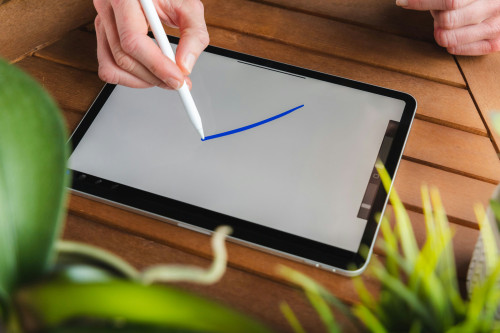
You no longer need a powerful desktop computer to edit photos or videos. There’s a wide range of apps that make it easy to trim, adjust, and add effects right on your phone or tablet.
- For photos: Apps like Snapseed and Adobe Lightroom Mobile let you fine-tune brightness, contrast, and color with just a few taps.
- For video: Tools like CapCut, iMovie, or LumaFusion make it simple to cut clips, add text, and include music—all on the go.
- For audio: If you’re creating podcasts or sound stories, apps like Ferrite or GarageBand allow you to record and edit audio tracks with ease.
The key is to find tools that match your style and goals. Many apps offer free versions, so you can experiment before committing.
Create Content That Tells a Story
Technology is only half the equation—the rest is about your idea and storytelling. Whether you’re making a short video, a blog post, or a photo series, it’s the story that captures your audience.
Think about what you want to communicate: a mood, an experience, or a message. Use visuals, sound, and text to support each other. A good story doesn’t have to be long—it just needs to be authentic and engaging.
A helpful tip is to plan your content in small segments: a beginning, middle, and end. This structure makes editing and organizing much easier later on.
Collaborate and Share with Others
Digital devices make collaboration simple—even from a distance. You can share files through cloud services like Google Drive, iCloud, or Dropbox, and many editing apps allow multiple people to work on the same project.
When you’re ready to share your finished work, choose platforms that fit your purpose: social media, blogs, or video channels. Remember to adapt your format—a square image works well on Instagram, while a horizontal video fits better on YouTube.
Læs også:
Learn from the Process – and Keep Improving
Creating digital content isn’t just about technique; it’s also about developing your creative eye. The more you experiment, the better you’ll get at recognizing what works. Try new styles, learn from others, and don’t be afraid to make mistakes—they’re part of the journey.
You can find plenty of free resources online: tutorials, courses, and creative communities where you can get feedback and inspiration. The most important thing is to keep creating—creativity grows when you use it.
Your Media Workshop – Always Within Reach
With the digital tools you already have, you can create content that’s both personal and professional. You don’t need a studio or expensive gear—just curiosity, a willingness to learn, and the courage to try new things.
So next time you pull out your phone, think of it as more than a communication device. It’s your camera, your editing station, and your gateway to a global audience. Your very own media workshop—right in your hands.
Læs også: