Keep Your Gaming Gear in Top Shape: How to Clean and Maintain It for a Longer Lifespan


Keep Your Gaming Gear in Top Shape: How to Clean and Maintain It for a Longer Lifespan
Whether you’re a casual gamer or spend hours grinding through your favorite titles, your gaming gear is an investment that deserves proper care. Dust, sweat, and everyday wear can affect both performance and comfort—and even shorten the lifespan of your equipment. The good news? Keeping your setup clean and well-maintained doesn’t take much effort. Here’s a practical guide to help you keep your gaming gear in top condition for years to come.
Keyboard – the biggest dust magnet
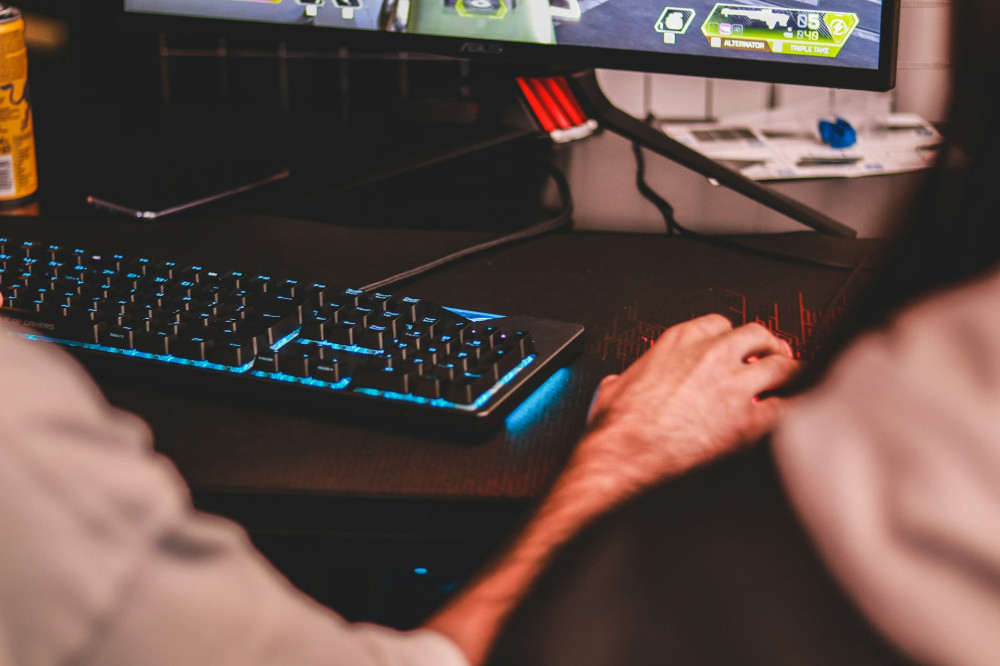
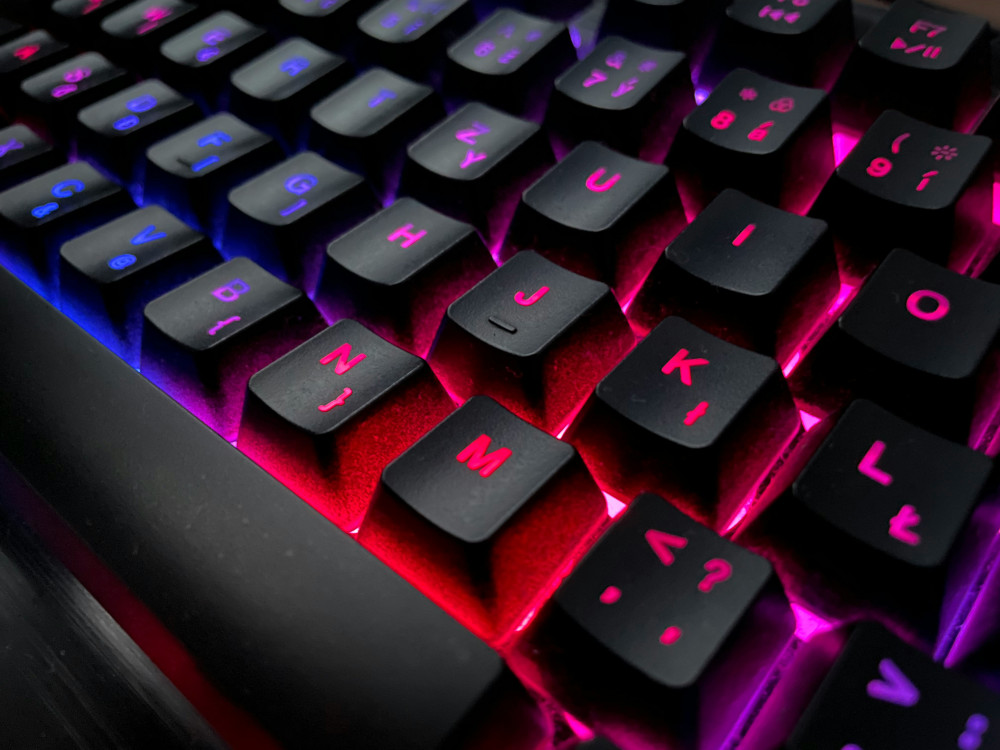
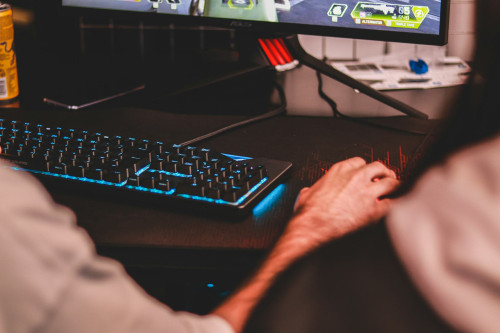
Your keyboard collects everything from crumbs to dust and skin oils. Over time, that buildup can make keys feel sticky or unresponsive.
- Unplug your keyboard before cleaning.
- Turn it upside down and gently shake out loose debris.
- Use compressed air to blow dust from between the keys.
- Wipe the surface with a slightly damp microfiber cloth and a bit of isopropyl alcohol if needed.
- Remove keycaps (if your keyboard allows it) for a deeper clean, and use a small brush to clear out dirt underneath.
Make it a habit to wipe down your keyboard weekly—it’ll look better, feel better, and last longer.
Mouse – precision depends on cleanliness
A dirty mouse can lose accuracy, especially if dust or grime interferes with the sensor.
- Clean the underside with a dry cloth and gently wipe the sensor with a cotton swab.
- Wipe the top surface with a damp cloth to remove oils from your hands.
- Check the glide pads (the small feet on the bottom). If they’re worn out, replacements are inexpensive and can make a big difference in smoothness.
If you use a wireless mouse, check the batteries regularly—and remove them if you won’t be using the mouse for a while.
Læs også:
Headset – comfort and sound quality go hand in hand
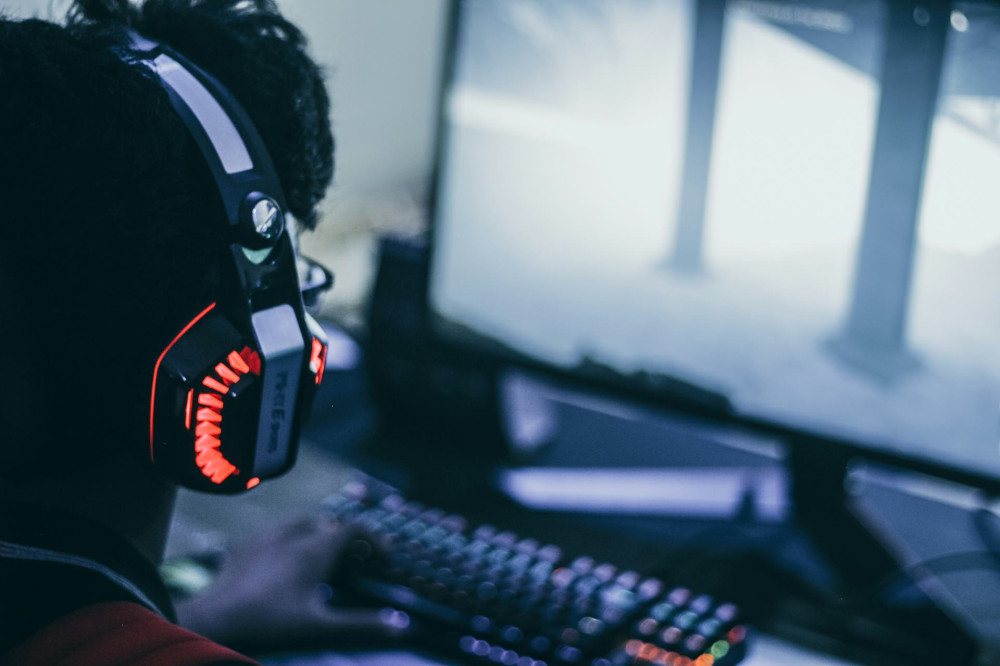
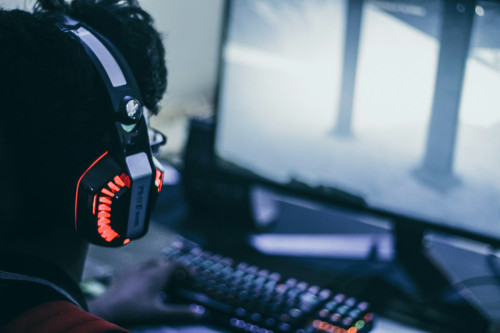
Your headset sits directly against your skin, so it naturally collects sweat, oils, and dust. That buildup can affect both comfort and sound.
- Remove the ear cushions, if possible, and wipe them with a damp cloth.
- Use a mild soap solution for fabric or leather pads, and let them dry completely before reattaching.
- Clean the microphone gently with a dry cloth—avoid getting moisture near the electronics.
- Store your headset on a stand or hang it up to prevent the headband from losing its shape.
A clean headset not only feels better but also helps preserve the materials and sound quality over time.
Monitor – clear visuals need a clear screen
Even the most stunning graphics lose their impact on a smudged or dusty screen.
- Turn off and unplug your monitor before cleaning.
- Use a microfiber cloth—never paper towels, which can scratch the surface.
- Wipe gently in circular motions, using a screen-safe cleaner without alcohol if needed.
- Never spray liquid directly on the screen—lightly dampen the cloth instead.
Clean your monitor about once a month, or more often if you game daily.
Console or PC – keep the dust out
Dust is the enemy of electronics. It can cause overheating, noisy fans, and reduced performance.
- Power down and unplug your system before opening or cleaning.
- Use compressed air to blow dust out of vents and fans.
- Avoid using a vacuum directly on components, as static electricity can cause damage.
- Place your PC or console in a well-ventilated area, and avoid setting it on the floor where dust collects fastest.
A thorough cleaning every few months can make a noticeable difference in performance and longevity.
Cables and accessories – small details, big impact
Cables often get overlooked, but tangled or damaged cords can lead to connection issues or even hardware failure.
- Coil cables loosely when not in use.
- Avoid sharp bends that can weaken the wires.
- Wipe them down with a damp cloth to remove dust and grime.
- Use cable clips or ties to keep your setup organized and prevent unnecessary strain on ports.
A tidy cable setup not only looks better but also helps your gear last longer.
Make maintenance part of your gaming routine
Keeping your gaming gear clean doesn’t have to be a chore. A quick wipe here, a blast of compressed air there—it all adds up. By taking a few minutes each week to care for your equipment, you’ll enjoy a cleaner, more comfortable, and more reliable gaming experience.
A well-maintained setup isn’t just about looks—it’s an investment in your performance and enjoyment every time you play.
Læs også: