How to Keep Your Smart Home Secure with Updates and Network Protection

How to Keep Your Smart Home Secure with Updates and Network Protection
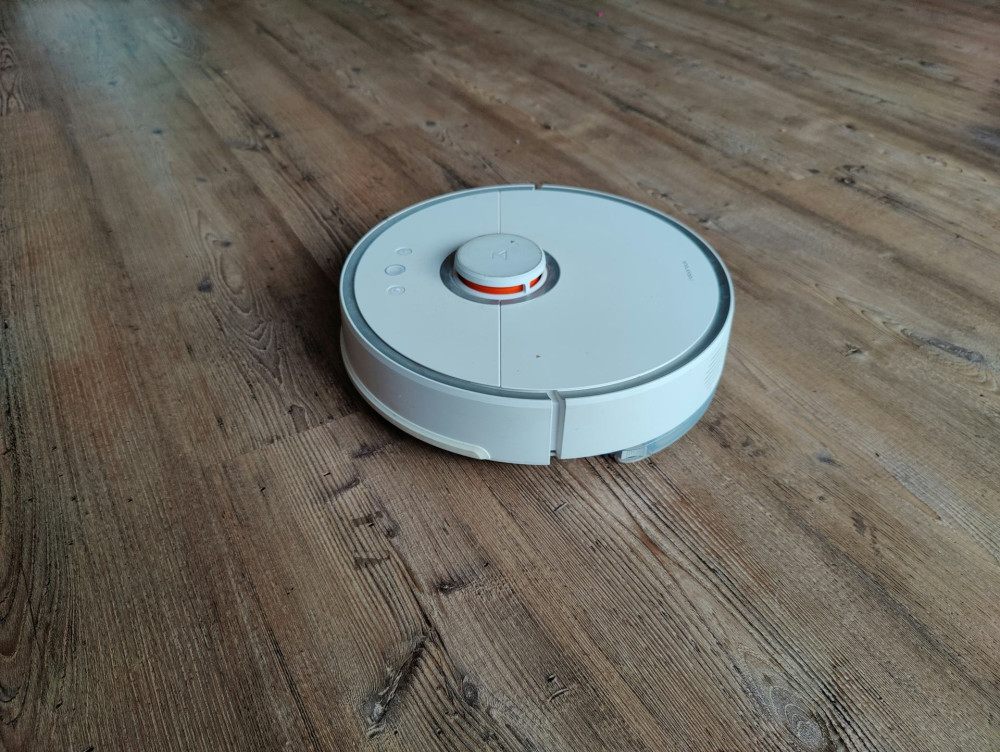
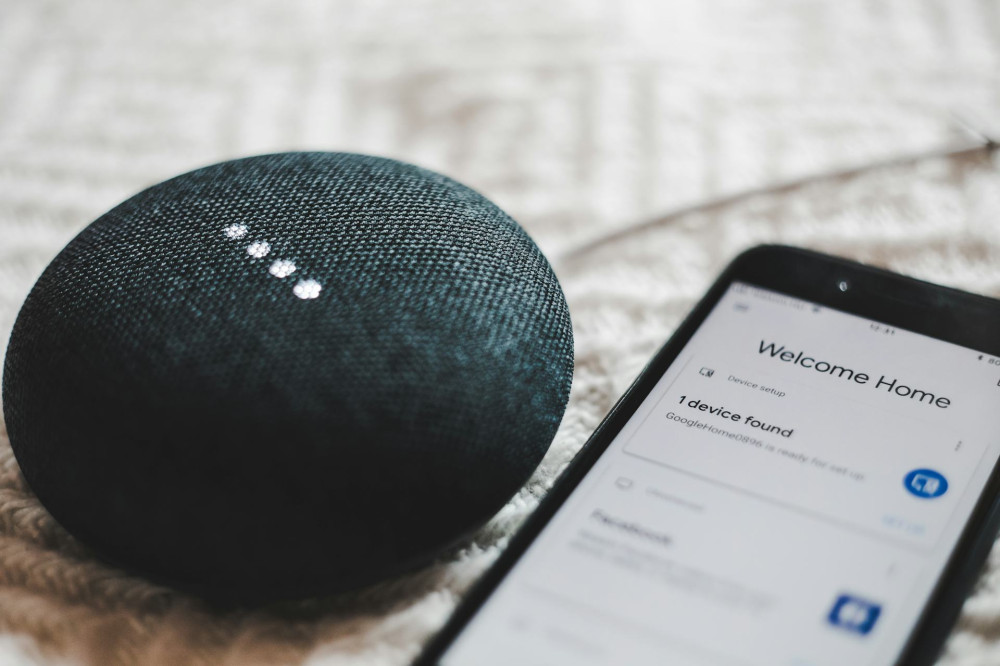
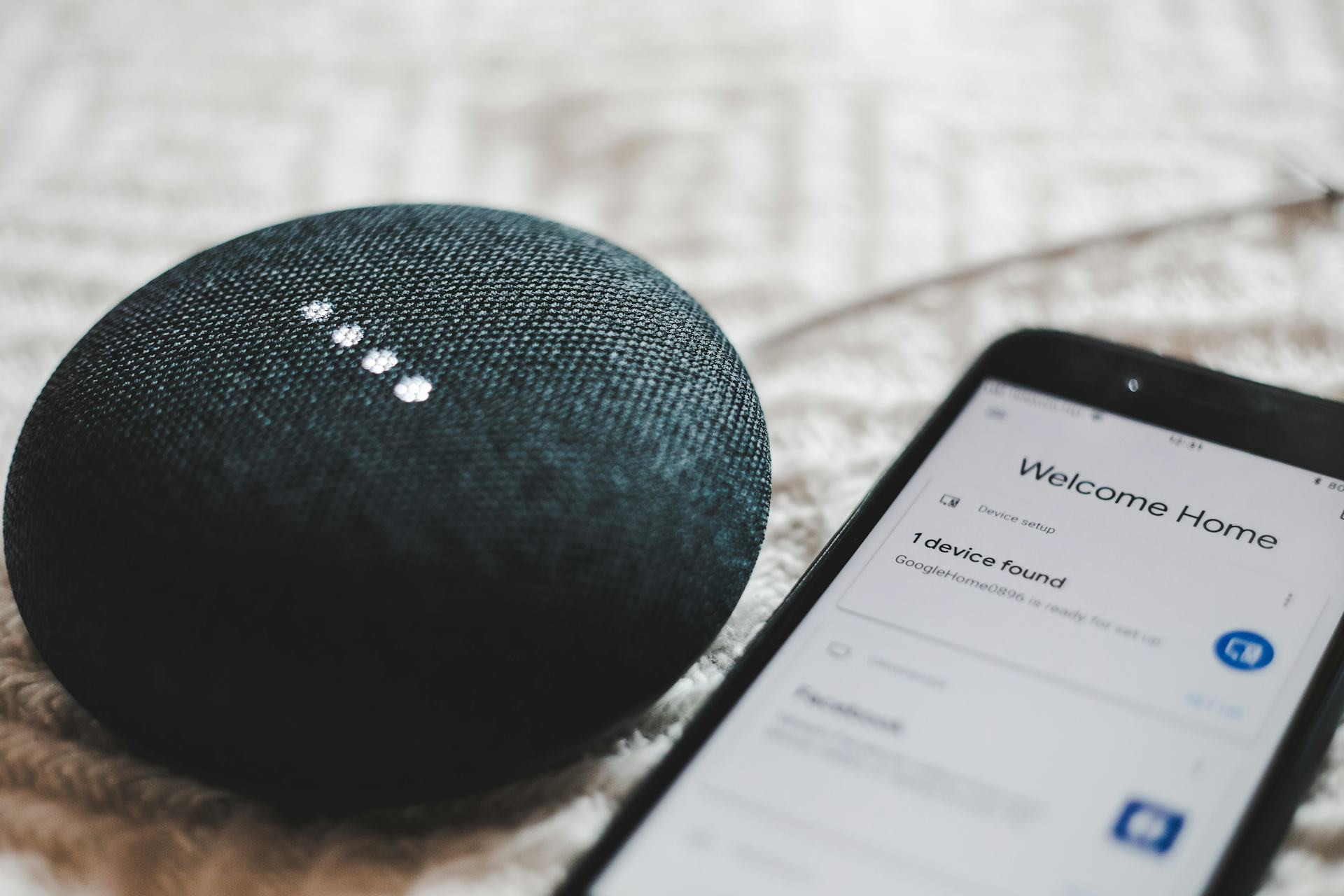
A smart home can make everyday life more convenient and efficient. Lights, thermostats, locks, and alarms can all be controlled from your phone, and many Americans enjoy the comfort of being able to monitor and adjust their homes remotely. But with all those connected devices come new security risks. Every smart bulb, speaker, or robot vacuum can be a potential entry point for hackers if security isn’t properly maintained. Here’s a guide to keeping your smart home secure — with a focus on updates and network protection.
Why Smart Home Security Matters
A smart home is essentially a small network of computers. Each device runs software that can contain bugs or vulnerabilities. If a hacker gains access to one device, they might be able to reach your entire network — and potentially your personal data, cameras, or other systems.
Security isn’t just about protecting one gadget; it’s about building a layered defense. That requires both technical maintenance and good digital habits.
Keep Your Devices Updated
The most important — and often most overlooked — security measure is keeping everything up to date. Manufacturers regularly release updates that fix security flaws and improve protection.
- Enable automatic updates whenever possible. Many newer devices can download and install updates in the background.
- Check the app or manufacturer’s website regularly if automatic updates aren’t available.
- Replace outdated devices that no longer receive security updates. A cheap smart plug from years ago could be a bigger risk than you realize.
It may seem like a small step, but an update can be the difference between a secure and a vulnerable home.
Protect Your Network — The Foundation of Security
Even the best devices are only as secure as the network they’re connected to. Start by securing your router and Wi-Fi.
- Change default passwords on your router and all devices. Use strong, unique passwords, and consider a password manager to keep track of them.
- Update your router’s firmware — many people forget that routers also need software maintenance.
- Create a separate network for your smart home devices. Most modern routers let you set up a “guest network” that isolates devices from your main computers and phones.
- Disable remote access unless you truly need it. This limits the chance of outsiders logging in from the internet.
A secure network is like a sturdy front door — it makes it much harder for intruders to get in.
Be Selective About What You Connect
It’s tempting to connect everything to the internet, but not all products are equally secure. Cheap devices from unknown brands may lack basic security features.
- Buy from reputable manufacturers with a good track record for security and updates.
- Read reviews and check support policies before purchasing.
- Turn off features you don’t use, such as voice control or remote access. The fewer open connections, the lower the risk.
Also consider whether every device really needs to be “smart.” Sometimes a simple, non-connected appliance is faster, safer, and just as effective.
Use Two-Factor Authentication and Secure Apps
Most smart home systems are controlled through apps that require a login. Protecting that access is crucial.
- Enable two-factor authentication (2FA) so you get an extra code via text or an authentication app.
- Avoid reusing passwords from your email or social media accounts.
- Keep the app updated, just like your devices.
If someone gains access to your account, they could potentially control your entire home — so take this step seriously.
Monitor and Maintain Regularly
Security isn’t a one-time task. New threats appear constantly, so it’s important to check that everything is working as it should.
- Review your devices a few times a year.
- Remove old or unused devices from your network.
- Watch for unusual activity — for example, a device suddenly using a lot of data.
Some routers and smart home hubs offer dashboards that show connected devices, making it easier to spot anything suspicious.
Læs også:



A Secure Smart Home Brings Peace of Mind
A smart home should make life easier — not more stressful. With a few simple habits, you can protect both your network and your personal data. Keep your devices updated, use strong passwords, and be thoughtful about what you connect. That way, you can enjoy the benefits of a connected home with confidence and peace of mind.
Læs også: